
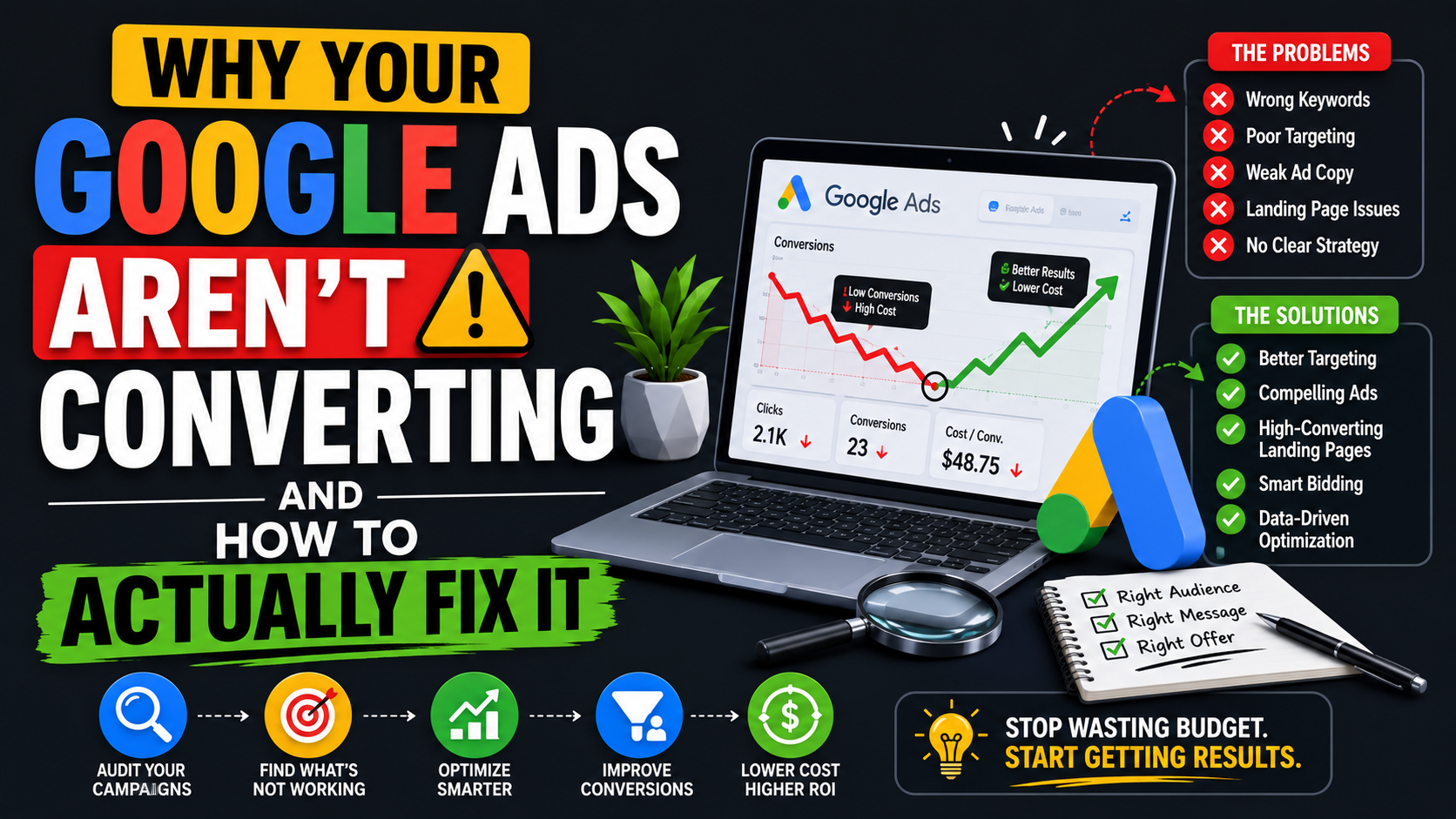
A client running a clinic in the United States once reached out to me, frustrated and confused. His Google Ads campaign had been performing well for weeks, real enquiries, real bookings. Then, almost overnight, he started getting message after message from people who were clearly not looking for his services at all. He had not changed anything. I had to dig into his account to figure out what happened, and what I found taught me something about Google Ads that most beginner guides never mention.
If you are asking yourself why your Google Ads aren’t converting, this article is not going to give you generic setup instructions you could find anywhere. I will walk you through the real, specific reasons campaigns fail to convert, including that clinic story, another client whose checkout was quietly losing 70 percent of interested buyers, and everything in between. Let’s get into it.
First, Lets Define What “Converting” Actually Means for Your Business
Before you can fix a conversion problem, you need absolute clarity on what a conversion actually is for your specific business, because this changes everything about how you diagnose the problem.
For an ecommerce store, a conversion is a completed purchase. For a clinic, it might be a booked appointment. For a service business, it could be a qualified enquiry or a signed contract. For a digital product, it is a completed checkout. If you have not defined this precisely inside your Google Ads campaign itself, you are optimizing blind because the algorithm has no idea what success looks like for you.
How to handle this: Write down, in one sentence, exactly what action counts as a conversion for your business. Then confirm that this exact action, not something close to it, is what your tracking is actually measuring.
Make Sure Your Conversion Tracking Is Actually Working
This is the single most important technical foundation of any Google Ads campaign, and it is the first thing I check whenever someone asks me to review underperforming results. Conversion tracking is what tells Google’s algorithm which clicks actually turned into real results like bookings, purchases, form submissions, etc. Without accurate tracking, the algorithm is optimizing toward guesses instead of data.
Here is why this matters more than most beginners realize: Google’s machine learning uses your conversion data to decide who to show your ad to next. If your tracking is broken, incomplete, or miscounting events, the algorithm learns the wrong lessons and keeps sending you the wrong kind of traffic, such as traffic that looks similar to your “conversions,” except those conversions were never real in the first place.
How to check if your conversion tracking is working: Go to your Google Ads dashboard, navigate to Tools and Settings, then Conversions. Use Google Tag Assistant (a free browser extension) to verify your tracking tag fires correctly on your actual thank-you or confirmation page, not just your landing page. Walk through your own funnel as a test customer and confirm the conversion registers in your account within 24 hours. If it does not, your entire campaign is being optimized on faulty data, no matter how good your ad copy or targeting is.
Choose the Right Campaign Type and Objective
One of the most consequential early decisions in Google Ads is choosing the right campaign type, and this decision shapes everything downstream. For example;
Search ads appear directly in Google’s search results when someone types a relevant query. These work well for services and products people are actively searching for by name or need.
Display ads appear as banner-style visuals across websites in Google’s network. It is better suited for brand awareness than immediate conversions, since the audience is not actively searching in that moment.
Shopping ads show your product with an image, price, and store name directly in search results. Many advertisers prefer shopping ads specifically because of their search engine positioning. They appear prominently at the very top of relevant searches with a visual advantage that plain text search ads do not have, which often produces stronger click-through and purchase intent for physical products.
Video ads run on YouTube and are effective for demonstrating a product or building emotional connection, though they typically work better for awareness and consideration than immediate, bottom-funnel conversions.
Performance Max is Google’s automated campaign type that runs across all of Google’s inventory simultaneously: Search, Display, YouTube, Gmail, and Discover, using machine learning to find conversions wherever they occur. It can perform exceptionally well once you have solid conversion data feeding it, but like Meta’s Advantage+, it needs reliable tracking to learn from.
How to apply this: Match your campaign type to your actual sales cycle. If people search directly for what you offer, search or shopping ads capture that existing intent. If you need to build awareness before anyone searches for you specifically, a display or video may fit better as a first step in a longer funnel.
Real Story: When the Right Audience Suddenly Becomes the Wrong Audience
Let me return to that clinic client. His search ad campaign was performing well for weeks, targeting keywords directly related to his specific medical services. Then the wrong enquiries started flooding in. People were asking about services he did not even offer.
After digging into the account, the cause became clear: another clinic in his area had launched a Google Ads campaign using the exact same keywords. Google’s search auction does not guarantee that only relevant businesses show up for a given search. When multiple advertisers bid on overlapping keywords, the algorithm sometimes broadens delivery in ways that pull in searchers whose intent only loosely matches what either business actually offers. The keyword overlap between two similar clinics created enough audience confusion that Google started showing his ad to people who were actually a better fit for his competitor’s specific services.
Read, Why Your Facebook Ads Aren’t Converting and How to Actually Fix It
This is exactly why ad description, image selection, and precise keyword setup matter so much. A generic ad description that could apply to multiple similar businesses gives Google’s algorithm less specific signal about who your ideal customer actually is, which increases the risk of exactly this kind of audience drift.
How to apply this: Make your ad copy and keyword targeting as specific to your exact offering as possible, not just your general industry. If you specialize in a particular treatment, service, or niche, say so explicitly in both your keywords and your ad copy, so Google has a clearer signal about who genuinely matches your offer versus a similar but different competitor nearby.
Use Negative Keywords to Filter Out the Wrong Clicks
This was the direct fix for the clinic situation, and it is one of the most underused tools in beginner Google Ads accounts. Negative keywords tell Google explicitly which search terms should never trigger your ad, even if they loosely relate to your target keywords.
For the clinic, we identified the specific services and search terms that were pulling in irrelevant traffic and added them as negative keywords, immediately reducing the volume of wrong-audience clicks and improving the overall quality of traffic reaching his ad.
How to apply this: Regularly review your Search Terms report inside Google Ads. This shows you the actual queries triggering your ad, not just the keywords you targeted. Any search term that does not genuinely match your offer should be added as a negative keyword. This single habit, checked weekly in the early stages of a campaign, prevents budget waste on clicks that were never going to convert.
Target the Right Audience Precisely
Beyond keywords, your broader audience targeting settings, such as the location, demographics, and audience segments, directly affect who sees your ad. Targeting too broadly, especially early on, often produces exactly the kind of negative results the clinic experienced: plenty of clicks, but the wrong people behind them.
How to apply this: Start narrower than feels comfortable. Define your service area precisely if location matters to your business. Layer in demographic targeting that matches your actual customer profile rather than leaving these settings wide open by default.
Write Ad Copy That Is Genuinely Convincing
Even with perfect tracking and precise targeting, weak ad copy quietly kills conversions. Your headline and description need to speak directly to what the searcher is looking for, using language that matches their actual search intent rather than generic business descriptions.
If someone searches “affordable wristwatch repair near me,” an ad that simply says “Quality Watch Services” misses the specific intent signals in that search. An ad that directly addresses “affordable,” “repair,” and implies local service converts significantly better because it mirrors the exact language and need behind the search.
How to apply this: Write your ad copy to directly reflect the specific keywords and intent behind your target searches, not a generic description of your business as a whole.
Real Story: Why 70 Percent of Interested Buyers Never Completed Checkout
Another client who was running an ecommerce store in the United States asked me to review his Google Ads performance because his click-through rate looked healthy, but sales were disappointing. When I dug into his actual funnel, the problem became obvious immediately: there were three additional pages between his landing page and the actual purchase completion.
A visitor would click the ad, land on a product page, click through to a second page for options, a third page to enter shipping details, and finally a fourth page to complete payment. Every additional step in that sequence is an opportunity for a genuinely interested buyer to lose momentum, get distracted, or simply decide the process feels like too much effort. Seventy percent of people who reached checkout never completed it, and the ad campaign was being blamed for a problem that was actually happening entirely on the landing page and checkout flow.
How to apply this: Map out your exact funnel from ad click to completed conversion, counting every single page and step required. Each additional step measurably increases drop-off. Reducing friction, like fewer pages, fewer required fields, and a clearer path to completion, often produces a bigger conversion improvement than any adjustment to the ad itself.
Make Sure Your Landing Page Is Genuinely Convincing
This connects directly to the story above. Your landing page needs to clearly and quickly communicate what you offer, why it matters to the visitor, and exactly what to do next. If a visitor arrives confused about what they are looking at, or the path to conversion feels complicated, even the best-targeted ad cannot save the result.
How to apply this: Review your landing page as a complete stranger would, immediately after clicking your ad. Does it clearly match what the ad promised? Is the next step obvious within a few seconds?
Make Your Offer Genuinely Attractive
Beyond page design, the underlying offer itself needs to give someone a real reason to act now rather than continuing to browse. A clear guarantee, a specific and honest value proposition, or a genuinely limited incentive can be the difference between a visitor who leaves to “think about it” and one who converts immediately.
Study Your Data: CTR and Conversion Ratio
Your click-through rate (CTR) tells you whether your ad copy and targeting are compelling enough to earn the click. But CTR alone does not tell the full story; you also need to track your conversion ratio, meaning what percentage of those clicks actually complete your defined conversion action.
If your CTR is healthy but your conversion ratio is low, the problem is almost always downstream of the ad itself, which is your landing page, your offer, or friction in your checkout process, exactly as we saw with the 70 percent checkout drop-off. If your CTR itself is low, the problem more likely sits with your ad copy, your targeting, or how well your keywords match genuine search intent.
How to apply this: Separate these two metrics clearly when diagnosing performance. A high CTR with low conversions points to your page and offer. A low CTR points to your ad and targeting. Treating both problems the same way wastes time fixing the wrong part of your funnel.
Budget Requirements for Google Ads vs Facebook Ads
Here is something worth knowing honestly upfront: Google Ads typically requires a higher budget than Facebook Ads to generate meaningful results, particularly in competitive industries or keyword categories. This is partly because Google’s auction system means you are bidding directly against every other business targeting the same search terms, and competitive keywords can carry a significantly higher cost per click than equivalent Facebook ad placements.
Read, What Is Branding? How to Build a Brand People Trust and Remember
How to apply this: Budget realistically based on your specific industry’s average cost per click, which you can check using Google’s Keyword Planner tool before launching. Entering a competitive niche with a Facebook-sized budget often produces insufficient data for the algorithm to optimize effectively, leading to disappointing early results that reflect underfunding rather than a fundamentally broken campaign.
Let Your Ads Run Before Making Constant Changes
Google’s algorithm needs a learning phase to gather enough data before it can optimize efficiently, and constantly changing your keywords, bids, or ad copy during this phase disrupts that learning process, forcing the algorithm to essentially restart its optimization repeatedly.
How to apply this: Once a campaign is live, resist the urge to make major changes daily. Give a new campaign at minimum one to two weeks of relatively stable settings before making significant adjustments, unless you are hemorrhaging budget so severely that immediate intervention is necessary.
Study Your Competitors
Understanding what similar businesses in your space are doing with their own Google Ads, such as their keywords, their offers, their landing page approach. This gives you crucial context for your own strategy. Tools like Google’s Auction Insights report show you directly which competitors you are up against for your specific keywords, and how often your ad outranks or loses to theirs.
How to apply this: Check your Auction Insights report regularly to understand your competitive position, and search your own target keywords manually to see exactly what ads and offers you are actually competing against in real time.
Step-by-Step: How to Audit Your Google Ads Performance
Step 1: Confirm your conversion tracking is accurate. Test it yourself through your full funnel before trusting any performance data.
Step 2: Review your Search Terms report. Identify irrelevant queries triggering your ad and add them as negative keywords.
Step 3: Separate your CTR from your conversion ratio. Diagnose whether your problem sits with the ad itself or with what happens after the click.
Step 4: Map your full funnel from click to conversion. Count every step and identify unnecessary friction, exactly as we found with the three extra checkout pages.
Step 5: Review your ad copy against actual search intent. Confirm your headlines and descriptions speak directly to what your target keywords suggest people are looking for.
Step 6: Check your budget against realistic cost-per-click data. Confirm you are funding your campaign sufficiently for your specific industry’s competitive level.
Step 7: Review Auction Insights. Understand who you are actually competing against and how your positioning compares.
Step 8: Resist making changes for at least one to two weeks. Allow the algorithm’s learning phase to complete before adjusting based on early data.
Common Google Ads Mistakes to Avoid
Launching without testing conversion tracking first: This single oversight invalidates almost everything else in your campaign.
Using broad match keywords without negative keyword lists: This is exactly what caused the clinic’s wrong-audience problem. Broad targeting without filters invites overlap and irrelevant clicks.
Read, How to Validate a Product or Business Idea Before You Launch
Ignoring the funnel beyond the ad click: As the 70 percent checkout drop-off case showed, the ad is often not the actual problem.
Underfunding a competitive campaign: Entering a high cost-per-click industry with insufficient budget produces data too thin for the algorithm to optimize meaningfully.
Making daily changes during the learning phase: This resets optimization repeatedly instead of allowing genuine performance patterns to emerge.
Writing generic ad copy that could apply to any competitor: Specific, intent-matched copy consistently outperforms broad, generic messaging.
Frequently Asked Questions
Why is my Google Ads CTR high but I still have no sales?
This almost always points to a problem after the click, like your landing page, your offer clarity, or friction in your checkout process, exactly as we found with the client losing 70 percent of buyers across three unnecessary checkout pages.
Why am I suddenly getting the wrong kind of clicks on Google Ads?
This can happen when a competitor begins targeting overlapping keywords, as it did with the clinic example, or when your own keyword targeting is too broad. Reviewing your Search Terms report and adding negative keywords is the direct fix.
How much budget do I actually need for Google Ads?
This varies significantly by industry, but Google Ads generally requires a higher budget than Facebook Ads due to competitive keyword auctions. Use Google’s Keyword Planner to check average cost-per-click for your specific industry before setting your budget expectations.
How long should I wait before judging a Google Ads campaign?
Give a new campaign at least one to two weeks of stable settings before making major judgments or changes, allowing Google’s algorithm sufficient time to complete its learning phase.
Leave a Reply