
I remember spending six months running a faceless YouTube channel with no clear plan. I was uploading constantly, with no keyword research and no real strategy. I genuinely believed the more videos I uploaded, the faster I would grow. Six months of effort produced almost nothing. Low CTR and Low AVD with barely any real movement.
Then one day, I made up my mind to stop guessing and build a structured system instead. That single decision changed everything. I finally understood how the YouTube algorithm actually works. How CTR and AVD determine whether a video lives or dies after 48 hours of uploading and what separates a channel that grows from one that stays stuck.
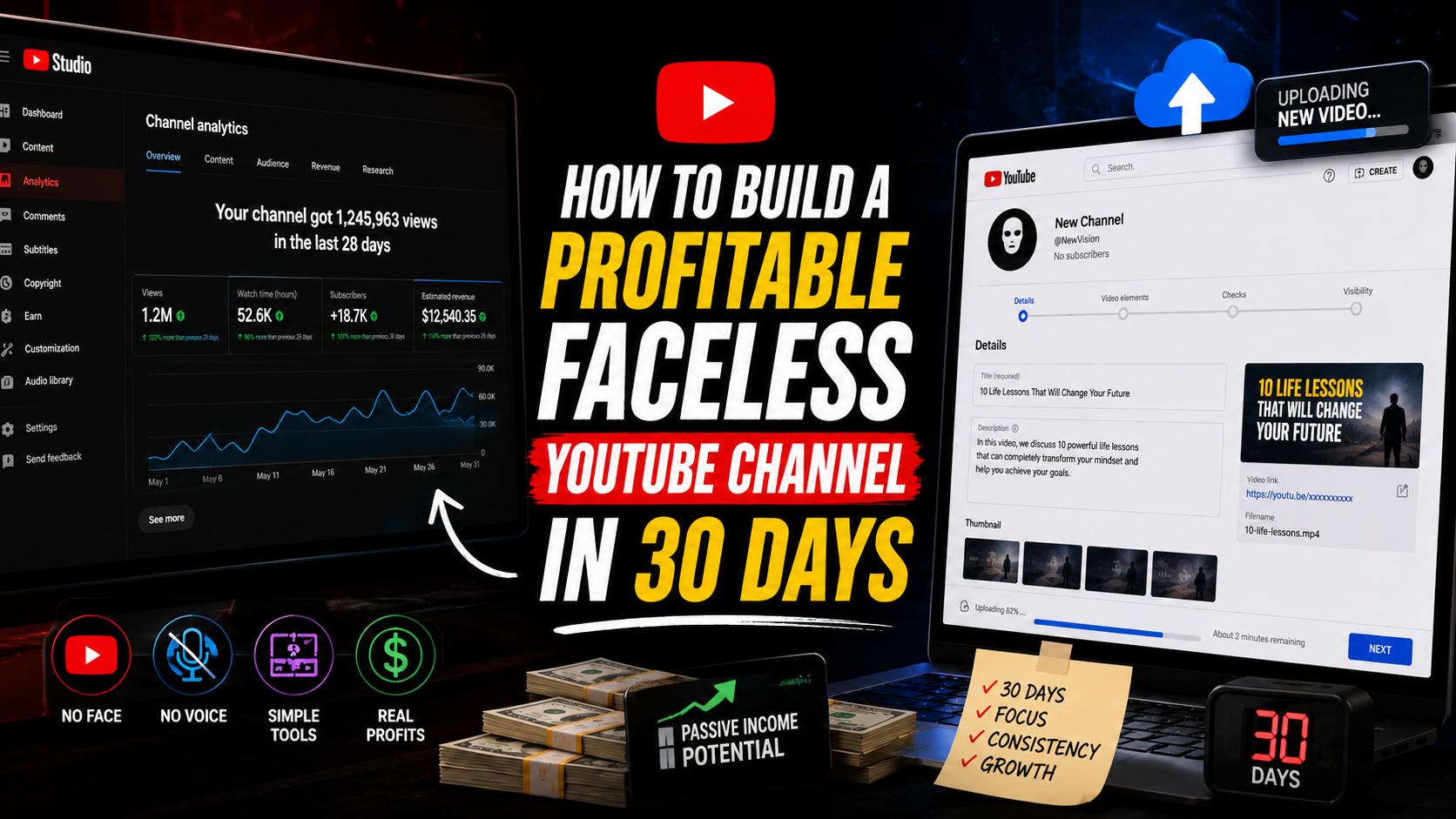
In this article, I am going to walk you through a complete 30-day roadmap to launch a profitable faceless YouTube channel the right way, broken into four focused weeks: planning, production, optimisation, and scaling. If you follow these steps, you will skip the six wasted months I went through. Let’s get started.
How to Build a Profitable Faceless YouTube Channel in 30 Days
Week 1: Plan and Set Up Your Channel
The biggest mistake I made early on was skipping this entire week. I jumped straight into recording without any real foundation and it cost me months of misdirected effort. You need a detailed plan on how to set up and run your faceless YouTube channel. A plan you will follow through for the coming months.
Day 1: Choose Your Niche
Pick a profitable niche with genuine demand and manageable competition. Strong options in 2026 include AI and automation tutorials, documentaries like true crime and mysteries, sports, personal finance and investing, explainer videos, beauty and fashion, storytelling, health tips, and book summaries. Avoid choosing a niche just because you personally find it interesting. Instead, choose one where you can already see other channels generating consistent views and where the audience is actively searching for content.
Day 2: Research and Validate Your Niche
Before committing anything yet, validate that real demand exists. Type your niche idea into YouTube’s search bar and study the autocomplete suggestions. These reveal exactly what people are searching for. Use free tools like TubeBuddy or VidIQ to check competition levels, and look specifically for topics with under 100,000 views from channels similar in size to where you are starting. This signals an achievable opportunity rather than an oversaturated space.
Day 3: Create Your Channel
Set up your YouTube channel with a keyword-rich name that clearly signals your niche, a clear channel description, and a simple, professional logo designed in Canva. If you plan to repurpose content on Instagram as well, set that profile up simultaneously using the same branding for consistency.
Day 4: Brand Your Channel
Design a bold banner using two to three colours maximum. Too many competing colours feel unprofessional and diluted. Your banner and channel art should communicate what your channel is about within three seconds of a visitor landing on your page. This is not the place for subtlety.
Day 5: Build Your Content Strategy
Decide your content mix in advance. A strong starting structure is roughly 70 percent evergreen long-form videos combined with daily Shorts to maximise discovery across both formats. Map out your core content pillars. That is the three to five recurring themes your channel will consistently cover, and build a realistic posting schedule around them.
Day 6: Set Up Your Production Systems
Now, create organised folders for every stage of your workflow such as Scripts, Voiceovers, Footage, Edited, and Published. This sounds like a small detail, but once you are producing multiple videos weekly, disorganisation becomes the single biggest source of wasted time and missed deadlines.
Day 7: Prepare Your First Content Batch
Brainstorm 10 to 15 video ideas using Claude or ChatGPT to research what your target audience is actively asking and searching for. From that list, select your strongest three ideas to produce first. These become your proof of concept for the entire channel.
Week 2: Create and Produce Your First Videos
Now that you have set up your channel and everything, it is now time to create your first video. This is the week when the actual content gets built, and having a repeatable system saves you enormous time once you move past your first few videos.
Day 8: Script Your Videos
Use the Hook-Problem-Solution-Call to Action structure for every script. Your first 30 seconds determine whether a viewer stays or leaves. This single principle matters more than almost anything else in your entire production process. Use Claude to write scripts that sound natural rather than robotic, since natural-sounding narration consistently retains viewers longer than stiff, overly formal AI output.
Day 9: Record Your Voiceover
Generate your voiceover using ElevenLabs. Add natural pauses into your script before generating. This small adjustment makes AI voiceovers sound significantly more human and less mechanical, which directly affects how long viewers stay watching.
Day 10: Gather Your Visual Assets
Source B-roll footage from free libraries like Pexels and Mixkit, and generate custom AI visuals using tools like ChatGPT, Runway, Kling, or Luma for scenes that stock footage cannot cover. Mixing real footage with AI-generated visuals produces a more dynamic, less repetitive viewing experience than relying on either source alone.
Days 11 to 13: Edit Your First Three Videos
Edit using CapCut or DaVinci Resolve, focusing on tight cuts, auto-captions, and strong pacing. A practical editing trick I use on every video is this: cut any pause longer than one second, and review your final edit at 1.5x playback speed. If it still holds your attention sped up, it will hold a viewer’s attention at normal speed. Treat your third video as your best one yet, applying everything you learned from editing the first two.
Day 14: Upload Your First Three Videos
Before publishing, optimise your titles, thumbnails, descriptions, and end screens. This is not a step to rush. A strong video with a weak thumbnail and title will underperform a mediocre video with excellent metadata almost every time on YouTube.
Week 3: Optimise and Grow Your Channel
This is the week where most beginner channels either start gaining traction or quietly stall out and the difference almost always comes down to keyword research and consistent engagement.
Day 15: Conduct Keyword Research
Use TubeBuddy, VidIQ, or Perplexity to identify long-tail keywords. That is phrases of three to four words that have meaningful search volume but lower competition than single broad keywords. Long-tail keywords are where new channels realistically compete and rank.
Day 16: Create Thumbnails That Drive Clicks
Design thumbnails with bold text that are limited to three words maximum, high colour contrast, and one strong central visual. The goal is to trigger curiosity or emotion within a fraction of a second. A cluttered thumbnail with too much information loses that battle before a viewer even processes what it says.
Day 17: Optimise Everything
Go back through your published videos and add chapters, end screens, cards, relevant tags, and internal links pointing viewers from your newest video toward your strongest older content. This single habit compounds your watch time across your entire channel rather than treating each video as an isolated upload.
Day 18: Promote Smartly
Now, share your videos where genuine relevant conversations are already happening such as Reddit threads, Facebook groups, Quora answers, and Pinterest by answering real questions and naturally including your video link as the deeper resource. Promotion that adds genuine value outperforms promotion that feels like spam every single time. Dont share your video with friends or family as they can hurt your watch hours.
Day 19: Engage With Your Audience
Reply to every comment within 48 hours during your early growth phase, and end every video with a question that invites viewers to comment. Early engagement signals to YouTube’s algorithm that your content generates genuine interaction which influences how widely your videos get distributed.
Read, How to Start a Faceless YouTube Channel With No Camera — Complete Beginner’s Guide 2026
Day 20: Analyse Your Performance
Open YouTube Studio and check your Click through ratio (CTR) and average view duration (AVD). Aim for a CTR above 4% and AVD above 40% as healthy early benchmarks. These two numbers tell you almost everything you need to know about whether your thumbnails and content are working.
Day 21: Improve and Iterate
Identify what worked across your first batch of videos and double down on it. Cut whatever clearly underperformed. Plan your next three videos based specifically on these insights rather than starting from a blank page again.
Week 4: Scale and Build Your Growth System
By this point, you have validated your niche, built a working production process, and learned from real performance data. Now, week 4 is about turning that knowledge into a repeatable system.
Day 22: Batch Script Your Next Videos
Write five to ten scripts in a single focused session during whatever time of day you feel most creative. Batching script writing is significantly more efficient than writing one script at a time between other production tasks.
Day 23: Batch Create Your Content
Record all your voiceovers and gather all your visual assets in one dedicated session. This single shift, batching production instead of working video by video is what eventually allowed me to produce a month of content in a few focused days instead of scrambling daily.
Day 24: Edit in Bulk
Build a saved template in CapCut or DaVinci Resolve with your standard captions, transitions, and intro style already configured. A consistent visual style across videos builds stronger brand recognition than reinventing your editing approach every single time.
Day 25: Upload Consistently
Settle into a realistic publishing rhythm. Start with a two to three long-form videos per week plus daily Shorts if you can sustain it and schedule uploads for the hours when your specific audience is most active.
Day 26: Leverage Trends
Dedicate roughly one video per week to a currently trending topic within your niche. Check YouTube Trending, Google Trends, and trending conversations on X to identify relevant opportunities, and include the current year in your titles where appropriate since this consistently improves click-through rates.
Day 27: Build Playlists
Group your videos by topic into clearly named, keyword-rich playlists. Playlists encourage autoplay into your next video, which directly increases total watch time per viewing session. This is one of YouTube’s most important ranking signals.
Day 28: Collaborate and Network
Reach out to other creators like even other faceless channels for shoutouts, guest voiceovers, or cross-promotion. Faceless channels can absolutely collaborate with each other despite neither creator appearing on camera.
Day 29: Double Down on What Works
Identify your three best-performing videos from the past month and create three more videos following that same successful pattern. Repurpose your strongest long-form content into Shorts to extend its reach further.
Day 30: Launch Your Growth System
By Day 30 you are no longer guessing, you have a working content machine: a validated niche, a tested production process, real performance data, and a clear understanding of what resonates with your specific audience. From here, the work becomes about consistency rather than discovery.
The Tools Needed For a Faceless Youtube Channel
Scripts and ideas: ChatGPT, Claude, Gemini, Perplexity
Voiceover: ElevenLabs, Play.ht, Murf.ai
Video generation: Kling, Runway, Sora, Luma
Video editing: CapCut, Canva, DaVinci Resolve, Descript
Thumbnails: Canva, Photopea, Adobe Express
SEO tools: TubeBuddy, VidIQ, Google Trends
Analytics: YouTube Studio
The One Thing to Remember
There is no secret formula hiding somewhere. Growth on YouTube comes down to a simple, repeatable equation: Niche + Value + Consistency. Channels that succeed are not the ones that found a magic trick. They are the ones that showed up consistently with genuinely useful content long enough for the algorithm and the audience to notice.
I wasted six months learning this the hard way. You now have the entire system in 30 days.
Frequently Asked Questions
Can I really build a profitable faceless YouTube channel in 30 days?
Thirty days is enough time to launch, produce your first content batch, and build a working system but monetisation through YouTube’s Partner Program requires 1,000 subscribers and 4,000 watch hours, which typically takes three to six months of consistent publishing beyond this initial setup phase.
Do I need expensive equipment to start?
No. Every tool mentioned in this guide from ChatGPT, Claude, CapCut, Canva, ElevenLabs has a free plan sufficient to launch your channel. Your only real investment is time and consistency.
What if my niche is already saturated?
Narrow it further. Instead of competing in a broad niche like “finance,” focus on a specific angle like “passive income for beginners” where competition is lower and your content speaks more directly to a defined audience.
If you want the complete guide to building multiple income streams online using AI — including faceless YouTube, freelancing, and digital products? Get the AI Hustle eBook on Selar or Gumroad.
Leave a Reply