
Every piece of content I publish today, like blog articles, ad copy, YouTube scripts, email sequences, product descriptions runs through at least one AI app before it reaches a reader. Not because I am lazy, but because I have personally tested dozens of these tools and discovered that the right combination produces better output faster than anything I could produce working alone.
Some of these AI apps saved me hours on a single project. Others helped me write copy that converted cold traffic into paying buyers. A few replaced entire workflows I used to outsource to other people. So, what you are about to read is not a recycled list of tools someone found on Google — it is the exact stack I use to create content that earns.
What Is an AI App for Copywriting?
An AI copywriting app is any software that uses artificial intelligence to help you write, edit, optimize, or repurpose content. These range from AI writing tools that generate full articles and ad copy from a prompt, to AI content generators that help you brainstorm, outline, and refine existing drafts.
The best AI apps for content creation do not replace your thinking. Instead, they amplify it. You bring the strategy, the audience knowledge, and the creative direction. In essence, the AI handles the drafting, structuring, and polishing that used to take hours. Let’s look at how to find the best AI writing app for your content needs.
How to Choose the Best AI App for Your Needs
With hundreds of AI writing tools launching every year, choosing the right one comes down to five questions, which are;
- What type of content do you create most? A copywriter needs different tools than a YouTube script writer or a blogger
- Does it have a free plan? The best AI tools let you test before committing to a subscription
- How natural does the output sound? Raw AI writing that sounds mechanical will hurt your conversions and your credibility
- Does it integrate with platforms you already use? Tools that connect to Google Docs, WordPress, or your email platform save significant time
- Is it actively being updated? An AI app that has not improved in six months is falling behind fast in 2026
With those filters in mind, let’s now see the 16 best AI apps for copywriting and content creation in 2026.
16 Best AI Apps for Copywriting and Content Creation in 2026
1. Claude
Best for: Long-form writing, AI copywriting, YouTube scripts, eBook writing, and sales copy
Why I like it: Claude is the AI app I use more than any other for writing. When I need a blog article, a sales page, a YouTube script, or a chapter of a book, Claude is where I start. The output sounds more naturally human than almost any other AI writing tool I have tested, which means less editing time and more time publishing.
How to use Claude for copywriting: Give Claude detailed context — your target audience, the emotional trigger you want to hit, the objection you need to address and ask it to write a first draft. Then refine using follow-up instructions in the same conversation.
Free plan: Yes — web, mobile, and desktop access with memory and file creation included
Paid plan: Pro at $20/month, Max from $100/month
Pros:
- It is the most natural-sounding AI content generator for long-form writing
- The free plan includes memory which helps maintain consistency across sessions
- It is excellent at following complex, multi-layered writing instructions
Cons:
- It does not generate images like ChatGPT.
- The usage limits on the free plan can be annoying, unlike ChatGPT.
2. ChatGPT
Best for: Research, brainstorming, AI blog writer, content creation, and image generation
Why I like it: I use ChatGPT alongside Claude rather than instead of it. ChatGPT is faster for research and brainstorming. I use it to identify angles, summarise topics, and generate ChatGPT prompts that feed into longer writing sessions in Claude. The image generator is now one of the best available and I use it for blog thumbnails and social media visuals.
How to use ChatGPT for copywriting: Use ChatGPT to research your topic and identify the three strongest angles. Take those angles to Claude to write the full piece. This two-tool workflow produces significantly better output than relying on either one alone.
Free plan: Yes — includes GPT-4o, web search, and image generation
Paid plan: Plus at $20/month, Pro at $200/month
Pros:
- It is the most versatile AI assistant for combining research and content creation
- The image generation is built directly into the chat interface
- ChatGPT for SEO research is fast and accurate with web search enabled
Cons:
- The long-form writing quality does not match Claude for natural tone
- Heavy users like software developers hit free plan limits quickly
- It can produce confidently inaccurate information. So always verify statistics.
3. Jasper AI
Best for: AI marketing tools, brand-consistent AI copywriting, and AI email writer for businesses
Why I like it: Jasper AI is built specifically for marketing copy. It has over 50 templates covering ad copy, email sequences, social media captions, product descriptions, and landing pages. When I need to produce high volumes of marketing content for multiple clients quickly, Jasper’s template library saves me significant setup time.
How to use Jasper AI for copywriting: Select the template that matches your content type, such as a Facebook Ad, Product Description, or Email Subject Line. Then enter your product details and target audience, and Jasper will generate multiple variations you can test.
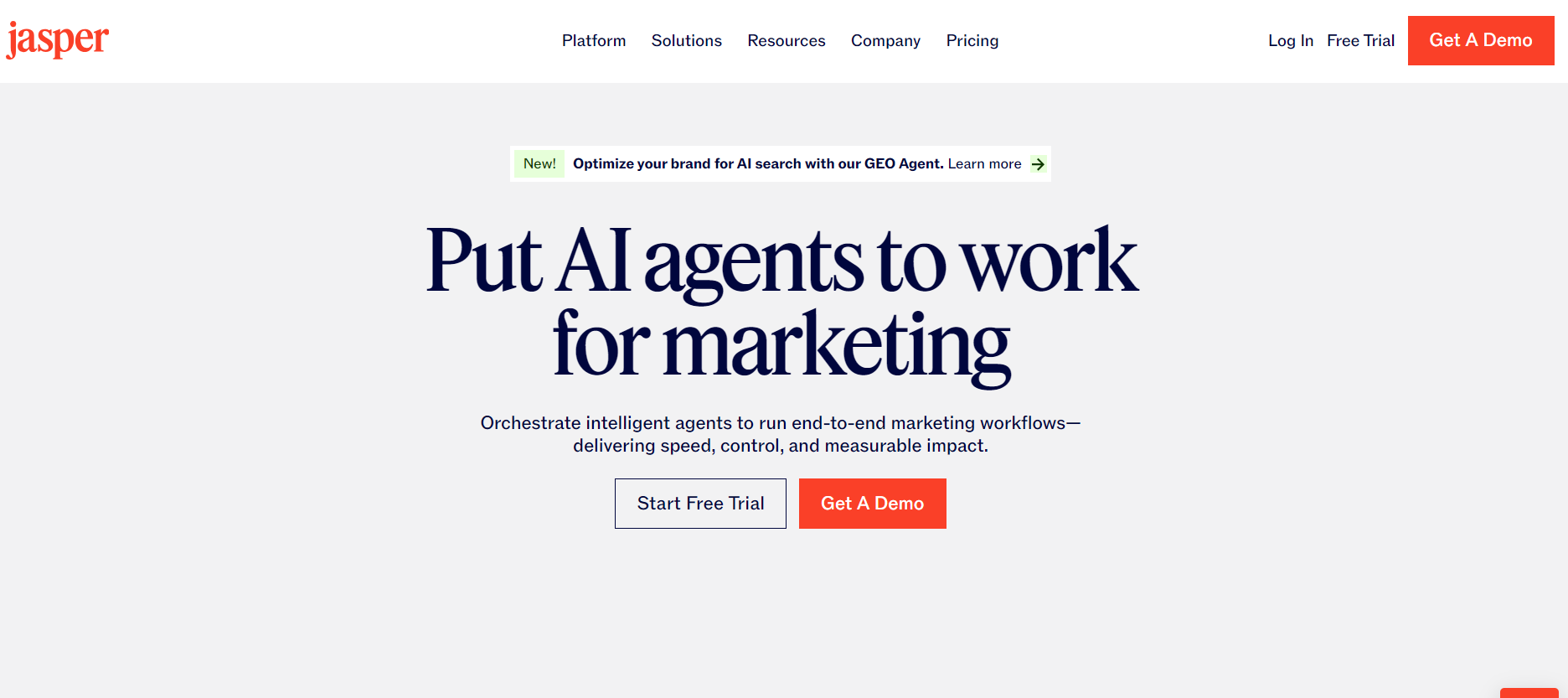
Free plan: 7-day free trial only
Paid plan: Creator at $49/month, Pro at $69/month, Business at custom pricing
Pros:
- The marketing-specific templates reduce the gap between brief and deliverable
- The brand voice feature maintains consistency across all content
- It is integrated with SEO writing tools like Surfer SEO
Cons:
- There is no permanent free plan, as it requires a paid subscription after the trial period
- It is more expensive than Claude or ChatGPT for equivalent writing output
- The template-based approach can feel limiting for complex or creative briefs
4. Copy.ai
Best for: AI copywriting for beginners, social media captions, and AI content generator for short-form content
Why I like it: Copy.ai is the most beginner-friendly platform dedicated copywriting app I have tested. So, if you are just starting out and need to produce short-form copy quickly, such as social media posts, product descriptions, email subject lines, ad headlines — Copy.ai gets you to a usable first draft faster than most alternatives.
How to use Copy.ai for copywriting: Select your content type from the dashboard, fill in your product details and tone preference, and Copy.ai will generate multiple variations. Now, pick the strongest elements from different variations and combine them into your final copy.
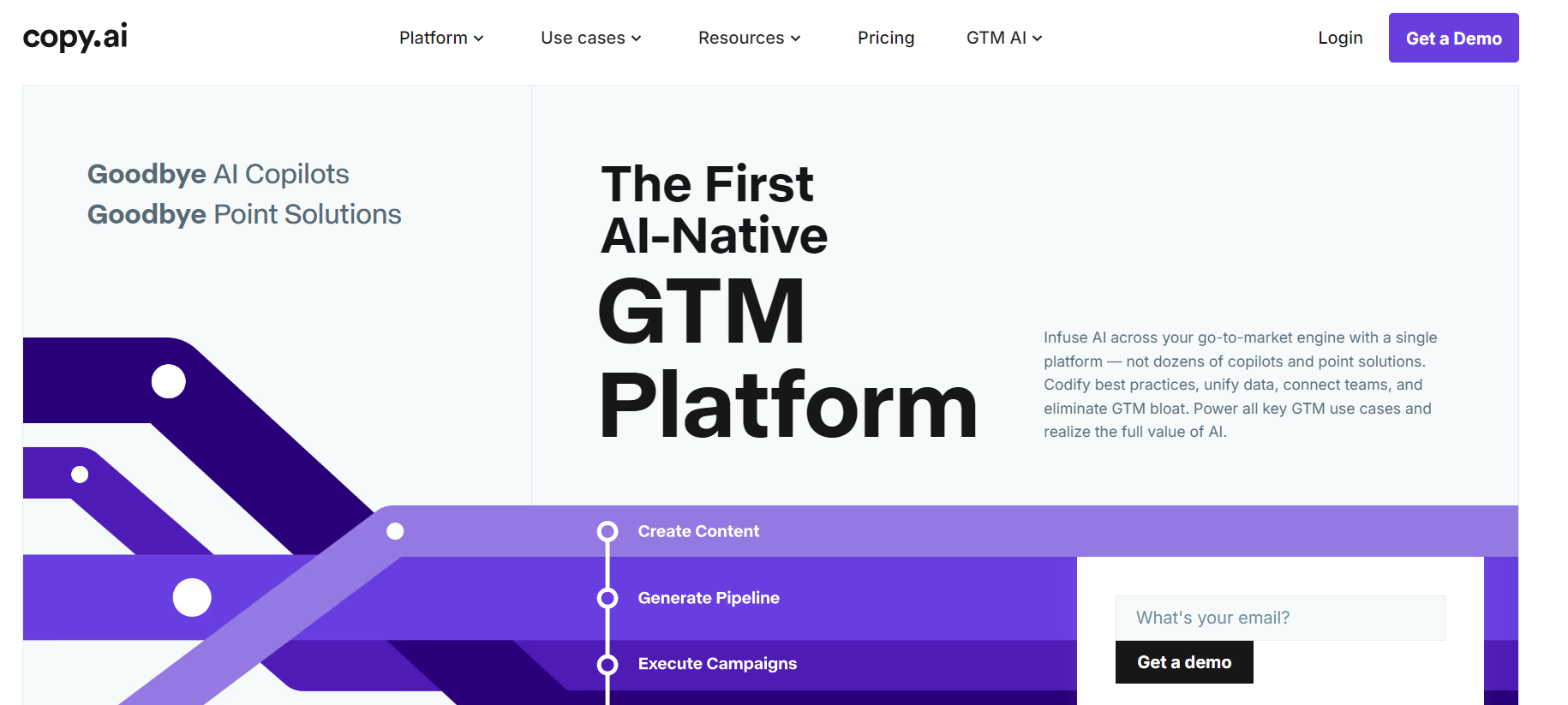
Free plan: Yes — limited monthly word credits
Paid plan: Starter at $49/month, Advanced at $249/month
Pros:
- It is one of the fastest tools for producing short-form copy variations at scale
- It has a clean, simple interface that requires no learning curve
- It is good for generating multiple headline options to split test
Cons:
- The output quality drops significantly for longer, more complex pieces
- The word credit limits on the free plan run out quickly
- It is less effective than Claude for nuanced, emotionally driven copy
5. Writesonic
Best for: AI article writing, AI SEO writing, long-form blog content, and AI blog writing workflows
Why I like it: Writesonic produces some of the most SEO-structured long-form content of any dedicated AI writing tool I have used. It integrates keyword research directly into the writing process, which saves a separate optimisation step when writing blog content targeting specific search terms.
How to use Writesonic for copywriting: Start by entering your target keyword, selecting your article length and tone, and Writesonic generates a structured article with SEO-optimised headings, subheadings, and keyword placement. Now, proceed to review and personalise your content before publishing.
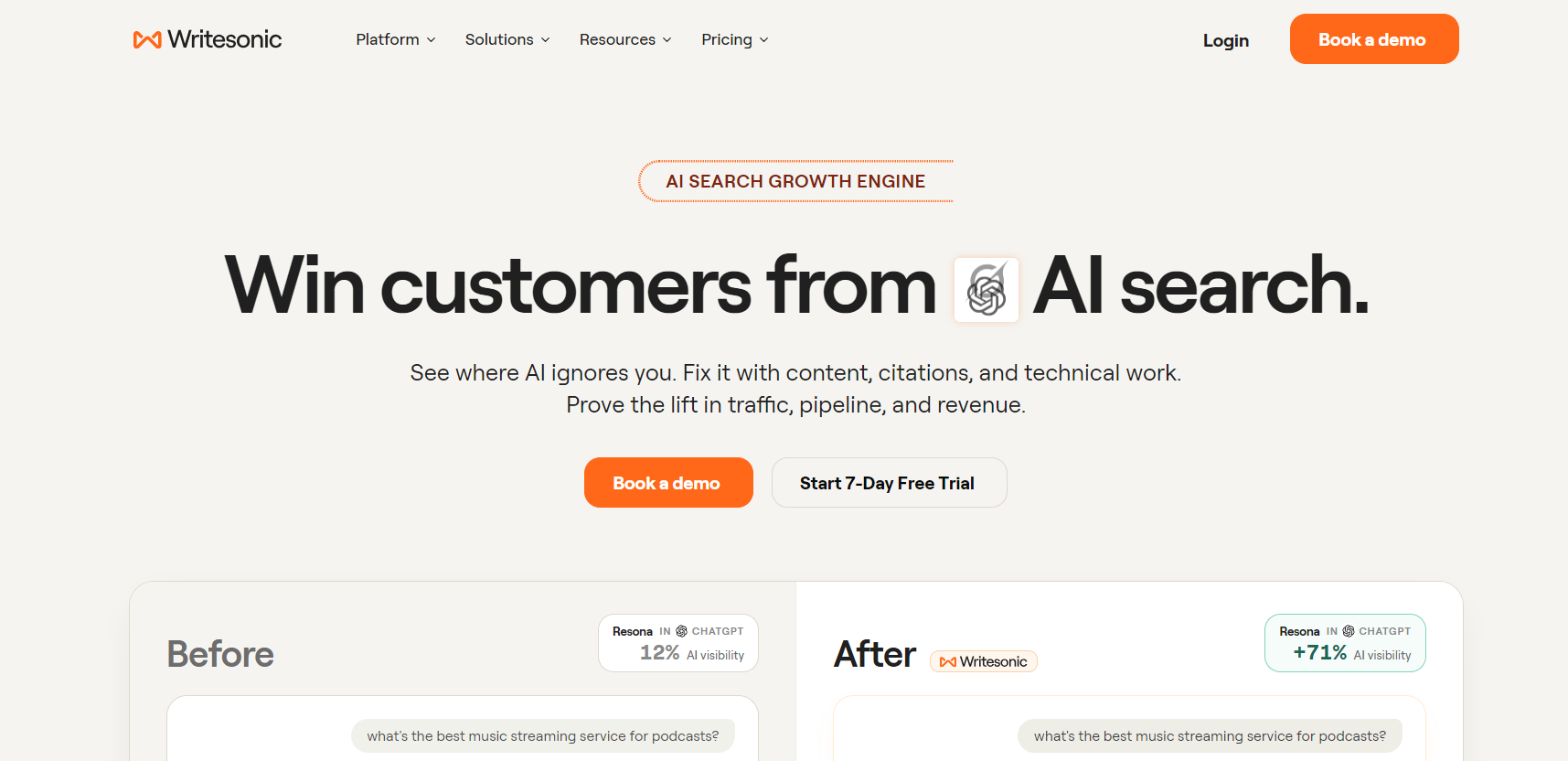
Free plan: Yes — limited generation credits monthly
Paid plan: Individual at $16/month, Standard at $79/month, Enterprise at custom pricing
Pros:
- The built-in SEO optimisation makes it strong for AI content strategy
- It produces well-structured long-form articles faster than most alternatives
- It integrates with Google Search Console for performance tracking
Cons:
- The output often sounds more robotic than Claude for natural, personal content
- It requires significant editing to add personality and human voice
- The credit-based system means heavy users need higher-tier plans quickly
6. Google Gemini
Best for: AI SEO tools, chart generation, data visualisation, and real-time research verification
Why I like it: For any content that references economic data, market statistics, or trending information, I use Google Gemini to generate charts and verify facts. Its deep integration with Google’s search infrastructure means the data it surfaces is more current than most other AI tools, which matters significantly for finance and news-based content.
How to use Google Gemini for content creation: Open Gemini and ask it to generate a data chart for any statistical topic such as employment rates, inflation figures, market trends, and it produces a visual you can download and embed directly in your article or YouTube video. Use it alongside Claude for a research and writing workflow. It is also very good at SEO analysis.
Free plan: Yes — Gemini 2.0 Flash with web search and image generation
Paid plan: Google One AI Premium at $19.99/month
Pros:
- It is one of the best free AI tools for generating charts and data visualisations
- It has one of the most current pieces of information of any AI tool due to Google Search integration
- It also hosts one of the best AI keyword research capabilities through Google’s data infrastructure
Cons:
- The writing quality does not match Claude for natural long-form content
- The image generation quality is inconsistent when compared to dedicated generators unless you are using the pro version.
- Full power requires a Google One subscription, which bundles features you may not need
7. Grammarly
Best for: AI writing tool for editing, proofreading, tone adjustment, and professional communication
Why I like it: Grammarly is the final stop for everything I publish. After writing in Claude or ChatGPT, I run every piece through Grammarly before it goes live. It catches grammar errors, awkward phrasing, and inconsistent tone that I miss after staring at a draft for too long.
How to use Grammarly for copywriting: Install the browser extension in your browser. It works automatically across Gmail, Google Docs, WordPress, and social media platforms. For longer documents, paste your content into the Grammarly editor for a full report with suggestions.
Free plan: Yes — basic grammar, spelling, and punctuation corrections
Paid plan: Pro at $12/month, Business at $15/user/month
Pros:
- It works across every platform without switching between apps
- The tone detection helps ensure your copy matches your intended voice
- The free plan is genuinely useful for basic proofreading needs
Cons:
- The advanced suggestions occasionally conflict with intentional stylistic choices
- The plagiarism checker is locked behind the paid plan
- It can feel intrusive when writing in a deliberately casual or colloquial tone
8. Hemingway Editor
Best for: AI writing tools for readability, sentence clarity, and simplifying complex copy
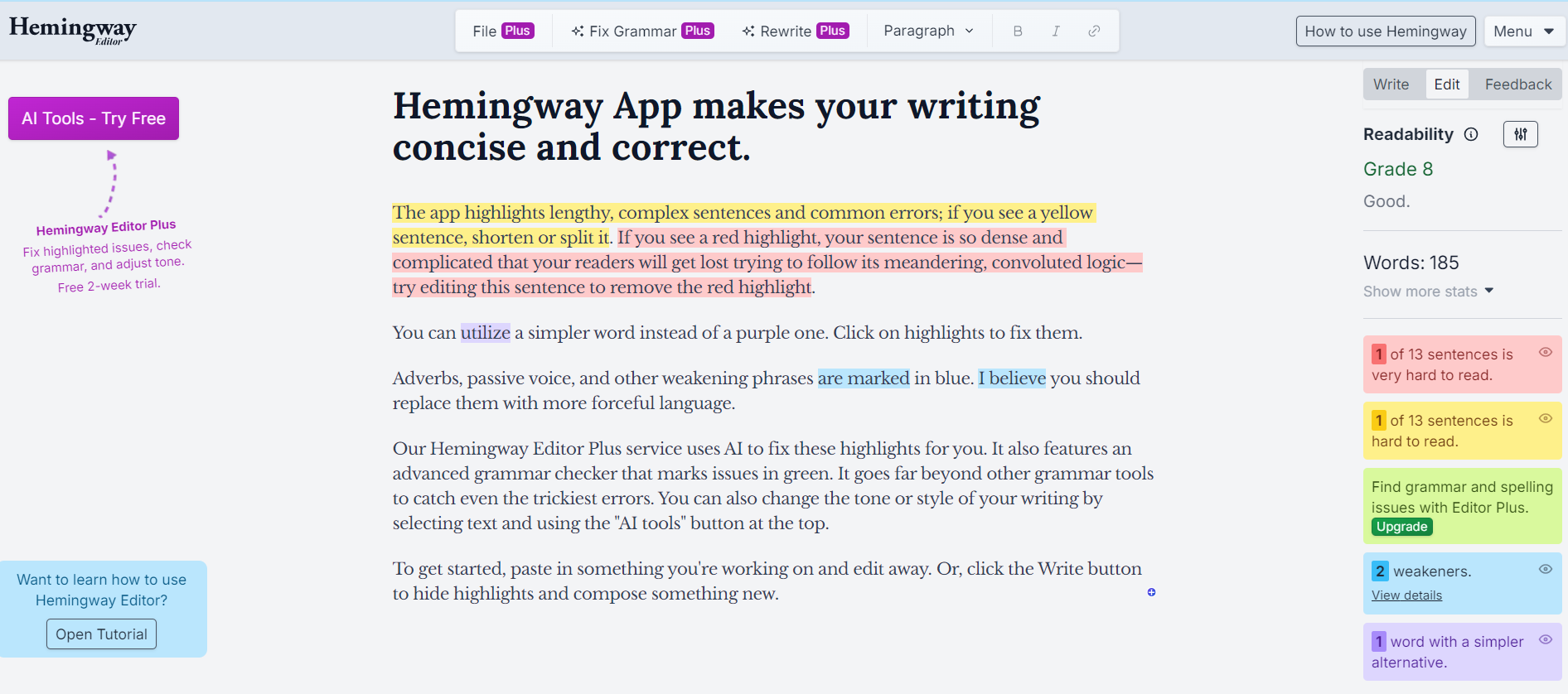
Why I like it: Hemingway Editor is not an AI generator; it is an AI readability analyser. I use it specifically to check that my copy is readable at the right level for my audience. It highlights sentences that are too long, passive voice constructions, and adverbs that weaken the writing. For AI copywriting that needs to convert non-native English readers, Hemingway is invaluable.
How to use Hemingway Editor for copywriting: Paste your finished draft into hemingwayapp.com. Aim for a readability grade of 6 to 8. Rewrite any sentence highlighted in red. These are too complex for fast reading on mobile.
Free plan: Yes — full functionality available free in the browser
Paid plan: Desktop app at a one-time fee of $19.99
Pros:
- It is completely free in the browser with no word limits
- It instantly identifies sentences that are too long or complex
- It dramatically improves mobile readability of ad copy and landing pages
Cons:
- It does not generate content. It is only an analysis tool
- It can oversimplify deliberately nuanced writing if followed too rigidly
- No integration with other platforms, as it requires a manual copy-paste workflow
9. Surfer SEO
Best for: AI SEO writer, AI content optimization, ranking blog content on Google, and AI keyword research
Why I like it: When I write content that needs to rank on Google, I use Surfer SEO to ensure my articles include the right keywords at the right density. It analyses the top-ranking pages for any keyword and tells you exactly what your article needs to compete — word count, keyword frequency, heading structure, and related terms to include.
How to use Surfer SEO for copywriting: Start by entering your target keyword, and Surfer generates a content brief. Write or paste your article into the Surfer editor and it scores your content in real time, showing you what to add or adjust to improve your ranking potential.
Free plan: No — paid plans only
Paid plan: Essential at $89/month, Scale at $129/month, Enterprise at custom pricing
Pros:
- It is the most data-driven AI content optimization tool available
- It allows real-time scoring as you write, saving you post-publication editing
- Integrates directly with Google Docs and Jasper
Cons:
- There is no free plan, which makes it a bit expensive for individual creators starting out
- The learning curve for beginners unfamiliar with SEO principles can be steep.
- The best results require combining it with a strong AI writing tool like Claude
10. Perplexity AI
Best for: AI SEO tools, research, fact-checking, and sourced answers for content accuracy
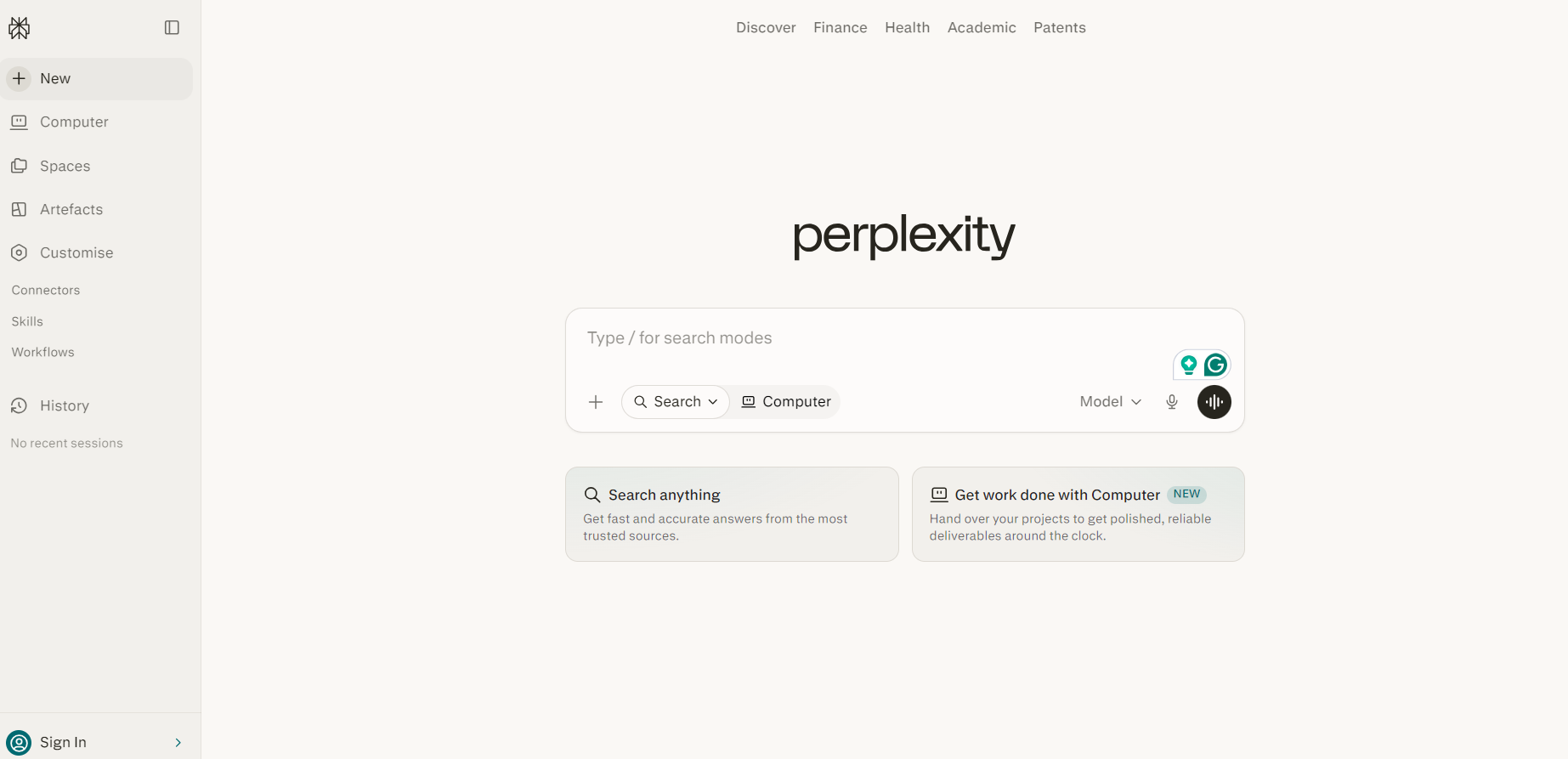
Why I like it: Before publishing any content that includes statistics, data, or factual claims, I run the key points through Perplexity AI. Unlike ChatGPT, which sometimes generates plausible-sounding but inaccurate information, Perplexity provides cited, sourced answers with direct links to the original sources, which means I can verify before publishing and protect my credibility as a content creator.
How to use Perplexity AI for content creation: Use Perplexity at the research stage before writing. Ask it specific factual questions related to your topic and note the sources it cites. Include only verified statistics in your final content.
Free plan: Yes — basic search with standard AI models
Paid plan: Pro at $20/month with access to advanced models and deeper sourcing
Pros:
- It provides citations with every answer, which eliminates fact-checking guesswork
- Its social search pulls insights from Reddit, forums, and real user discussions
- The Pro plan lets you choose between multiple leading AI models
Cons:
- The sources are not always authoritative. So, always cross-check important claims before using
- It can occasionally present outdated information confidently
- The free plan limits access to the most powerful reasoning models
11. Buffer
Best for: AI marketing automation, social media scheduling, and AI content strategy execution
Why I like it: I batch-create an entire week of social media content in one session using Claude and ChatGPT, then schedule everything in Buffer to publish automatically at optimal times. This single workflow saves me approximately four hours per week that I previously spent manually posting across platforms.
How to use Buffer for content creation: Connect all your social media accounts to Buffer. Use Claude to write a week of posts in one session. Schedule them all in Buffer with optimal posting times selected automatically. Monitor engagement data from the Buffer analytics dashboard to refine your content strategy over time.
Free plan: Yes — 3 channels and 10 scheduled posts per channel
Paid plan: Essentials at $6/month per channel, Team at $12/month per channel
Pros:
- The free plan covers most individual creators’ scheduling needs
- Its AI assistant suggests optimal posting times based on audience data
- It has a clean interface across Instagram, Facebook, X, LinkedIn, and Pinterest
Cons:
- Per-channel pricing adds up for creators managing many accounts
- The analytics on lower plans are less detailed than dedicated analytics tools
- Direct Instagram Reels scheduling requires additional setup steps
12. Notion AI
Best for: AI productivity tools, content planning, editorial calendar management, and AI writing tools for organisation
Why I like it: Notion is where I plan every content project before writing a single word. Notion AI, which is built directly into the platform, helps me turn rough content ideas into structured outlines, summarise long research documents, and draft content briefs that I then take to Claude for full execution.
How to use Notion AI for content creation: Create a content calendar in Notion with one page per article or video. Use Notion AI to generate an outline for each piece from a brief description. Store research notes, drafts, and published links in the same workspace for easy reference.
Free plan: Yes — unlimited pages and blocks for individuals
Paid plan: Plus at $10/month, Business at $18/month
Pros:
- The all-in-one workspace replaces multiple separate planning tools
- Notion AI is integrated directly. So, no switching between apps for planning and drafting
- The free plan is genuinely functional for individual content creators who are on a tight budget
Cons:
- It has a steeper learning curve than simpler productivity tools
- Its full AI feature access requires a Plus subscription
- It can become overwhelming without a clear organisational system upfront
13. Originality AI
Best for: AI-generated content detection, plagiarism checking, and content quality assurance before publishing
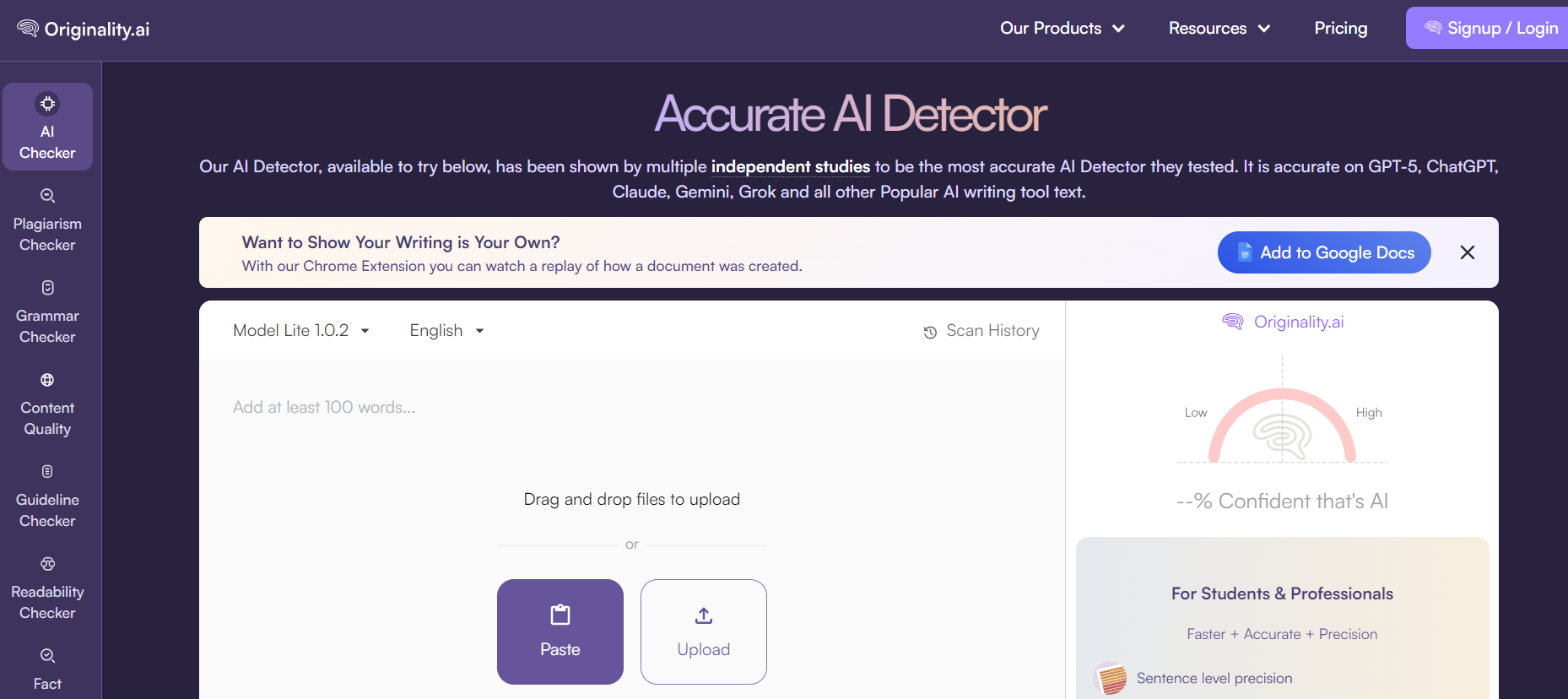
Why I like it: Before publishing any piece of content, especially content I plan to use for SEO, I run it through Originality AI to check how it scores on AI detection. Google and many clients are increasingly scrutinising AI-generated content, and a piece that scores as heavily AI-generated can hurt both your search rankings and your professional credibility.
How to use Originality AI for content creation: Paste your finished article or copy into Originality AI and run the detection scan. Aim for a human score above 80 percent. If your score is lower, return to the content and add more personal observations, specific examples, and original perspectives that the AI could not have produced.
Free plan: No — pay-as-you-go from $30 or Pro at $14.95/month
Paid plan: Pro at $14.95/month, Enterprise at $179/month
Pros:
- It is also among the most accurate AI detection tools currently available
- It includes a plagiarism checker, readability checker, and fact-checking aid in one platform
- It allows for a pay-as-you-go option for creators who do not need constant scanning
Cons:
- There is no free plan, which is a big barrier for new creators on a tight budget.
- No AI detection tool is 100% accurate. Use as a guide and not a final verdict
- Heavy users burn through credits quickly on the pay-as-you-go plan
14. Rytr
Best for: AI copywriting for beginners, short-form content, AI email writer, and budget-conscious content creators who need a simple all-in-one writing app
Why I like it: Rytr is the most affordable dedicated AI writing tool on this list, and for someone just starting out who needs to produce consistent short-form content without spending much, it delivers genuinely solid results. I have used Rytr specifically for writing email subject lines, social media captions, and short product descriptions when I needed volume quickly without going back and forth between multiple tools.
How to use Rytr for copywriting: Select your use case from Rytr’s built-in template library, such as ad copy, email, blog outline, product description, or call to action. Then choose your tone, enter a brief description of your topic or product, and Rytr generates multiple variations instantly. Pick the strongest elements from each variation and combine them into your final piece.
Free plan: Yes — 10,000 characters per month with access to core writing features
Paid plan: Unlimited at $9/month, Premium at $29/month with advanced features and a dedicated account manager
Pros:
- It is the most affordable paid plan of any dedicated AI content generator on this list
- It hosts 40+ use case templates covering everything from AI email writer to blog intros and SEO meta descriptions
- It supports over 30 languages, which is useful for creators targeting multilingual African audiences
- The built-in plagiarism checker is included on paid plans without a separate subscription
- It has a simple, clean interface that requires no learning curve for complete beginners
Cons:
- The output quality for long-form content does not match Claude or Writesonic
- The free plan’s 10,000 character monthly limit runs out quickly for active creators
- It is less effective for nuanced, emotionally driven AI copywriting that requires deep audience understanding
- Fewer integration options compared to Jasper or Surfer SEO for professional workflows
15. Canva AI
Best for: AI design tools, visual content creation, social media graphics, and AI image generator for content creators
Why I like it: Every blog thumbnail, social media graphic, and YouTube thumbnail I produce runs through Canva. The AI features like Text to Image generation, Magic Write for captions, and Background Remover have made Canva the most complete visual content creation tool available to a solo creator like me in 2026.
How to use Canva AI for content creation: Use Canva’s Text to Image feature to generate custom images for your articles. Use Magic Write to generate caption options for social media posts directly inside your design, and use the Brand Kit to maintain consistent visual identity across all content.
Free plan: Yes — thousands of templates and basic AI features
Paid plan: Pro at $15/month, Teams at $10/user/month
Pros:
- It is the most beginner-friendly AI design tool available that works on both mobile and desktop
- The Brand Kit ensures visual consistency across all content without manual work
- The AI background remover makes it easier to edit images.
- The yearly plan is cheaper when compared with rivals.
Cons:
- Its AI image generator produces inconsistent results without very specific prompts
- Some of the premium templates and elements require Pro subscription
- The advanced brand consistency features are locked behind a paid plan
16. ElevenLabs
Best for: AI voice generator, audio content creation, voiceovers for video content, and AI script writer audio delivery
Why I like it: Every voiceover I have produced for my faceless YouTube content and video scripts has gone through ElevenLabs. The voice quality is the most realistic I have tested across any AI voice generator, and the Creator plan at $22 per month unlocks professional voice cloning, which allows me to create an AI version of my own voice for consistent channel branding.
How to use ElevenLabs for content creation: Paste your finished script into ElevenLabs, select a voice that matches your content’s tone, adjust the speed, stability, and similarity settings for natural variation, and download the audio file. For faceless YouTube channels, match the voice selection to the emotional tone of your niche — authoritative for finance, warm and conversational for lifestyle content.
Free plan: Yes — 10,000 credits per month
Paid plan: Starter at $5/month, Creator at $22/month, Pro at $99/month
Pros:
- It is the most realistic AI voice generator output available in 2026
- It supports 70+ languages, which makes it powerful for global content creators
- The voice cloning on Creator plan enables consistent channel identity
Cons:
- Its voice cloning feature is locked behind paid plans
- Heavy audio producers burn through credits quickly on lower-tier plans
- The agent features are billed separately from standard voiceover credits
Frequently Asked Questions
What is the best free AI app for copywriting?
Claude is the best free option for long-form copywriting and content creation. The free plan includes memory, file creation, and web search — everything you need to write blog articles, sales copy, and YouTube scripts without spending anything. But for image generation alongside writing, ChatGPT’s free plan is the strongest combination.
Do I need multiple AI apps or just one?
For professional content creation, a combination of two to three tools produces better results than relying on one. The workflow I recommend is this: research in ChatGPT or Perplexity, write in Claude, check readability in Hemingway Editor, and proofread in Grammarly. This four-tool workflow covers every stage of content production efficiently.
Are AI copywriting apps good enough to replace human writers?
For drafting and structuring content — yes, they are remarkably capable. But for adding genuine personal experience, cultural nuance, emotional authenticity, and original strategic thinking — no. The best content in 2026 combines AI efficiency with human judgment. So, use these tools to handle the mechanical parts of writing so you can focus on the thinking that only you can do.
If you want to learn how to use these AI apps to build real online income streams — from freelancing and digital products to Amazon KDP and faceless YouTube? Get my AI Hustle eBook on Selar or Gumroad.
Leave a Reply