
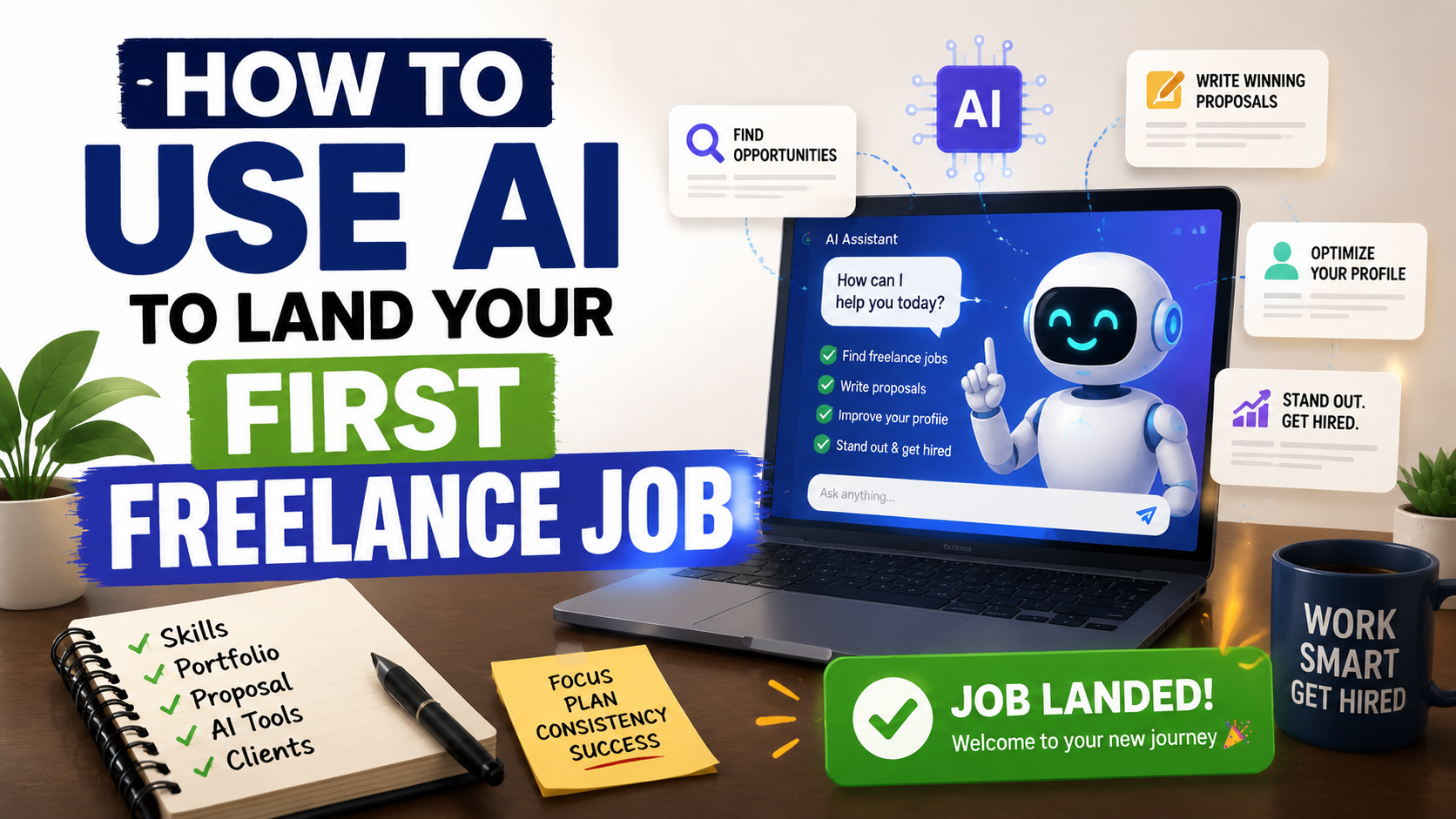
I spent months submitting proposals on freelance platforms and getting nowhere. By the time I finished writing and submitted a proposal, I was already number fifteen or twenty in the queue. Most clients never scroll past the first five. My proposals were not bad, they were simply invisible.
The moment I started combining AI writing tools with my own personal experience and voice, everything changed. My profile visibility improved, my proposals started landing in the top positions, and my first real client arrived within a week of making that shift.
If you are trying to land your first freelance job online and struggling to stand out, this guide shows you exactly how to use AI tools to give yourself a genuine competitive advantage, without losing the human touch that actually wins clients.
What Is AI and Why Does It Matter for Freelancers?
Artificial Intelligence (AI) refers to software that can perform tasks that typically require human intelligence, such as writing, analysing, researching, designing, and problem-solving. For freelancers, AI is not a replacement for skill; it is a productivity multiplier that helps you work faster, write better, and present yourself more professionally than the competition.
AI apps are software applications powered by artificial intelligence that you can use directly from your phone or laptop. Examples are tools like ChatGPT, Claude, and Canva AI.
AI tools are, however, a broader term covering any AI-powered resource you use to complete tasks, from writing assistants to image generators to research tools.
Together, these tools give a complete beginner access to capabilities that previously required years of experience or an entire team of professionals.
Why AI Gives Freelancers a Competitive Edge in 2026
The freelance market has never been more competitive. On platforms like Fiverr, Upwork, and PeoplePerHour, thousands of freelancers are applying for the same jobs every single day. Without a system for standing out, most beginners spend months submitting proposals that never get read, which is exactly what happened to me.
AI freelancing tools change this dynamic in three specific ways. They help you research clients faster before applying, write more compelling proposals in less time, and build a professional online presence that attracts inbound enquiries rather than relying entirely on outbound applications. Now, how can you use these AI tools to land your first role faster?
How to Use AI to Land Your First Freelance Job
Step 1: Build a Professional Freelance Profile Using AI
Your profile is the first thing a client sees before reading your proposal. A weak, generic profile loses clients before the conversation even starts.
How to use AI to build your profile:
Use Claude or ChatGPT to write your profile headline, bio, and service descriptions. Give the AI specific instructions such as your niche, your target client, your strongest skill, and the specific result you help clients achieve. Ask it to rewrite your bio in a clear, benefit-focused tone rather than a generic “I am a passionate freelancer” introduction that every other beginner uses.
AI tools to use:
- Claude — best for natural, human-sounding profile copy
- ChatGPT — best for generating multiple variations quickly to compare
- Canva AI — for designing a professional profile image or portfolio graphics
- Perplexity AI — best for analysis and research.
- Google Gemini — best for generating infographics and charts.
Keyword tip: Use AI keyword research tools or simply ask ChatGPT to suggest the most searched terms in your niche on Upwork or Fiverr. Then incorporate those terms naturally into your profile title and description. This is exactly how I improved my profile visibility and started appearing higher in client searches.
Step 2: Use AI to Research Clients Before Applying
One of the most powerful things I learned was to stop applying blindly and start researching each client before writing a single word of a proposal. This is where AI research tools like Perplexity and ChatGPT become genuinely valuable.
How to research a client using AI:
Copy the job description and paste it into Perplexity AI or ChatGPT with this prompt: “Analyse this freelance job posting. What is the client’s main problem? What result are they trying to achieve? What objection might they have about hiring a beginner? How should I address this in my proposal?”
Read, How to Get Your First Remote Job Online: 15 Strategies That Actually Work in 2026
This gives you a personalised insight into every job before you apply, which means your proposal speaks directly to the client’s actual need rather than being a generic pitch that could apply to any job on the platform.
Step 3: Write Winning Proposals With AI Assistance
This was the single biggest shift that changed my results. Before using AI, I was writing proposals from scratch every time — slow, inconsistent, and by the time I submitted, the job already had ten to twenty applicants ahead of me.
How to write faster, better proposals using AI:
Build a proposal template using Claude. The template should include a strong opening line that references something specific from the job posting, a brief statement of relevant experience or skill, a specific result you can deliver, and a clear call to action. Once your template exists, you can customise and submit a compelling proposal in under ten minutes instead of Twenty-five.
Winning proposal structure:
Opening: Reference something specific from the job posting. Never open with “I saw your job and I would like to apply.”
Middle: State one specific, relevant result you can deliver for this particular client.
Close: Ask one simple question that invites a reply, like “Would it help if I shared a quick sample of how I would approach this project?”
AI writing tools to use:
- Claude — produces the most naturally human-sounding proposal copy
- ChatGPT — fast for generating multiple proposal variations to test
- Grammarly — final proofread before submitting
Step 4: Create Portfolio Samples Using AI Tools
The most common barrier for beginners is having no portfolio. Clients want proof before they hire. AI content creation tools solve this problem completely. You can create professional portfolio samples before you have a single paying client.
How to build a portfolio using AI:
- Use Claude to write three sample articles, sales pages, or email sequences in your chosen niche
- Use Canva AI to design social media graphics, thumbnails, or presentations as design portfolio pieces
- Use ChatGPT to generate sample ad copy, product descriptions, or chatbot scripts depending on your service
Package these samples into a clean PDF using Canva and upload them directly to your Fiverr or Upwork profile as portfolio attachments. A strong portfolio of AI-assisted samples consistently outperforms an empty portfolio regardless of your experience level.
Step 5: Optimise Your Gig or Service Listing for Search
On Fiverr and PeoplePerHour, your gig title and description determine whether clients find you in search results. This is essentially SEO for freelancers, and AI tools make optimising it straightforward.
How to optimise your gig using AI:
Ask ChatGPT: “What are the most searched keywords on Fiverr for [your service]? Write me a gig title and description using these keywords naturally.”
Then use Claude to refine the output into copy that sounds genuinely human rather than keyword-stuffed. The combination of ChatGPT for research and Claude for writing produces the strongest gig descriptions I have tested.
AI SEO tools to use:
- ChatGPT with web search enabled for keyword research
- Claude for natural, conversion-optimised gig copy
- Surfer SEO for more advanced keyword optimisation if you want to go deeper
Step 6: Use AI to Learn New Skills Faster
AI learning tools dramatically reduce the time required to become competent in a new freelance skill. Instead of spending months on courses before feeling ready to apply for work, you can use AI to learn on the job, like researching techniques, generating examples, and improving your output in real time.
How to use AI as a learning tool:
When a client requests something you are not fully confident in, use Claude or ChatGPT to research the specific technique before delivering. Use the AI to generate a first draft, then refine it yourself. This learning-by-doing approach develops real skill faster than passive study alone.
Read, How to Land Your First Upwork Client: A Complete Step-by-Step Guide With Examples
AI learning platforms to consider:
- ChatGPT and Claude for on-demand skill research and practice
- Perplexity for fact-checked, sourced answers to specific technical questions
- YouTube combined with AI-generated notes from Claude for structured self-study
The Most Important Thing AI Cannot Do For You
AI can write your proposals, optimise your profile, and build your portfolio. What it cannot do is replace the human insight, specific experience, and genuine curiosity that wins clients and keeps them coming back.
The shift that actually changed my freelance results was not using AI instead of my own thinking; it was using AI to amplify and present my thinking more effectively. Every proposal I submitted still reflected my real understanding of the client’s problem. Every portfolio sample still demonstrated a real skill I had developed. The AI made my human input visible faster and more professionally than I could have done alone.
That combination — AI efficiency plus human authenticity — is what lands freelance clients in 2026.
Best AI Tools for Freelancers Summary
| Tool | Best For |
|---|---|
| Claude | Proposals, profile copy, portfolio samples |
| ChatGPT | Research, keyword ideas, gig descriptions |
| Canva AI | Portfolio design, profile graphics |
| Grammarly | Proofreading before submitting |
| Perplexity | Client research, fact-checking |
| Surfer SEO | Gig and profile keyword optimisation |
Frequently Asked Questions
Can I use AI to land a freelance job with zero experience?
Yes. With the right combination of AI-assisted portfolio samples, a well-optimised profile, and genuinely researched proposals, beginners consistently land their first clients without prior paid experience. The key is using AI to demonstrate capability rather than hide the lack of experience.
Will clients know I used AI to write my proposals?
Not if you combine AI output with your own voice and specific knowledge. A proposal that references specific details from the job posting and includes a genuine personal insight will not read as AI-generated because the context and specificity can only come from a real human paying attention.
Which freelance platform is best for beginners using AI tools?
Fiverr is the most beginner-friendly because clients come to you through your gig listing rather than requiring you to constantly submit proposals. Once your gig is optimised using the AI techniques above, it works passively while you focus on improving your skills.
Want to learn how to build multiple income streams online using free AI tools — including freelancing, digital products, and faceless YouTube? Get my AI Hustle eBook.
Leave a Reply